What is Blend Modes?
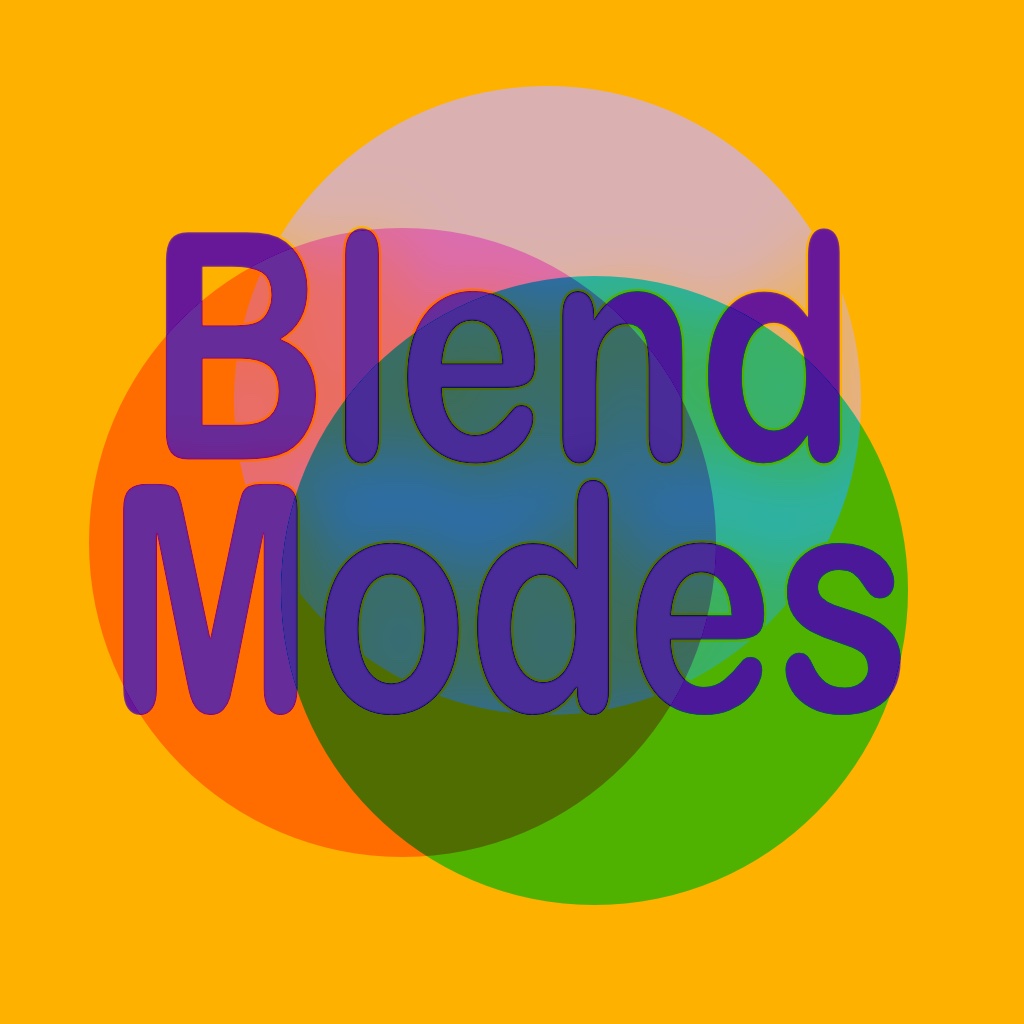
Blend Modes is an interactive reference app for iOS developers and designers working with SwiftUI and UIKit. It lets you explore every blend mode visually — with live previews, color pickers, opacity and blur controls, and compositing group toggling — so you can see exactly how a .blendMode() will look before you write the code.
For those of us not trained in digital art, blend modes can produce unexpected results. Blend Modes gives you a complete explanation for each mode alongside a live preview, so the behaviour is never a surprise.
The Interface
Mode view
When you launch on iPhone you see the Mode view, made up of the Settings view at the top and the Selection view below. The Selection view lets you scroll through all available blend modes and shows a small live preview of each with your current color and opacity settings.
Color Invert
The Color Invert toggle applies colorInvert() to the view, inverting all colors so each displays as its complementary color — blue becomes yellow, white becomes black, and so on.
Compositing Group
The Compositing Group toggle wraps the colored circles in a compositingGroup(). This causes compositing effects (opacity, blend mode) to be applied to the group as a whole before it is composited against the background — rather than each circle being composited individually. Toggle this on and off to see how it changes the interaction between circles and the background for different blend modes.
Controls
Accordion panel
Tap the accordion fold button to slide the Selection view down, revealing the Opacity and Blur sliders and the color pickers beneath. These controls are app-wide — changes here affect all blend mode previews simultaneously.
Opacity & Blur
The Opacity slider adjusts the transparency of the composited circles. The Blur slider applies a Gaussian blur. Both are useful for exploring how blend modes interact with semi-transparent or blurred content.
Color pickers
You can have up to five circle colors plus a background color. Tap a color swatch to change it. Tap Add New Color to add another circle (up to five). All color changes apply live across every blend mode preview.
Blend Mode Detail View
Tap any blend mode in the Selection view to open its Detail view. This shows a full-size preview of that specific blend mode with a complete explanation of what it does and how the math works. All the same controls — color invert, compositing group, opacity, blur, and color pickers — are available in the detail view, and changes are app-wide.
Open Source
The complete Blend Modes project is available as open source. If you are a developer and want to explore the implementation, see how the blend mode previews are constructed, or contribute, you can find the project repository linked from the app's Settings screen.
Need help?
Send us an email and we'll get back to you.
[email protected]We're a small team and read every message.